使用@visactor/react-vchart,如何在点击事件中获取对应数据点信息?
问题描述
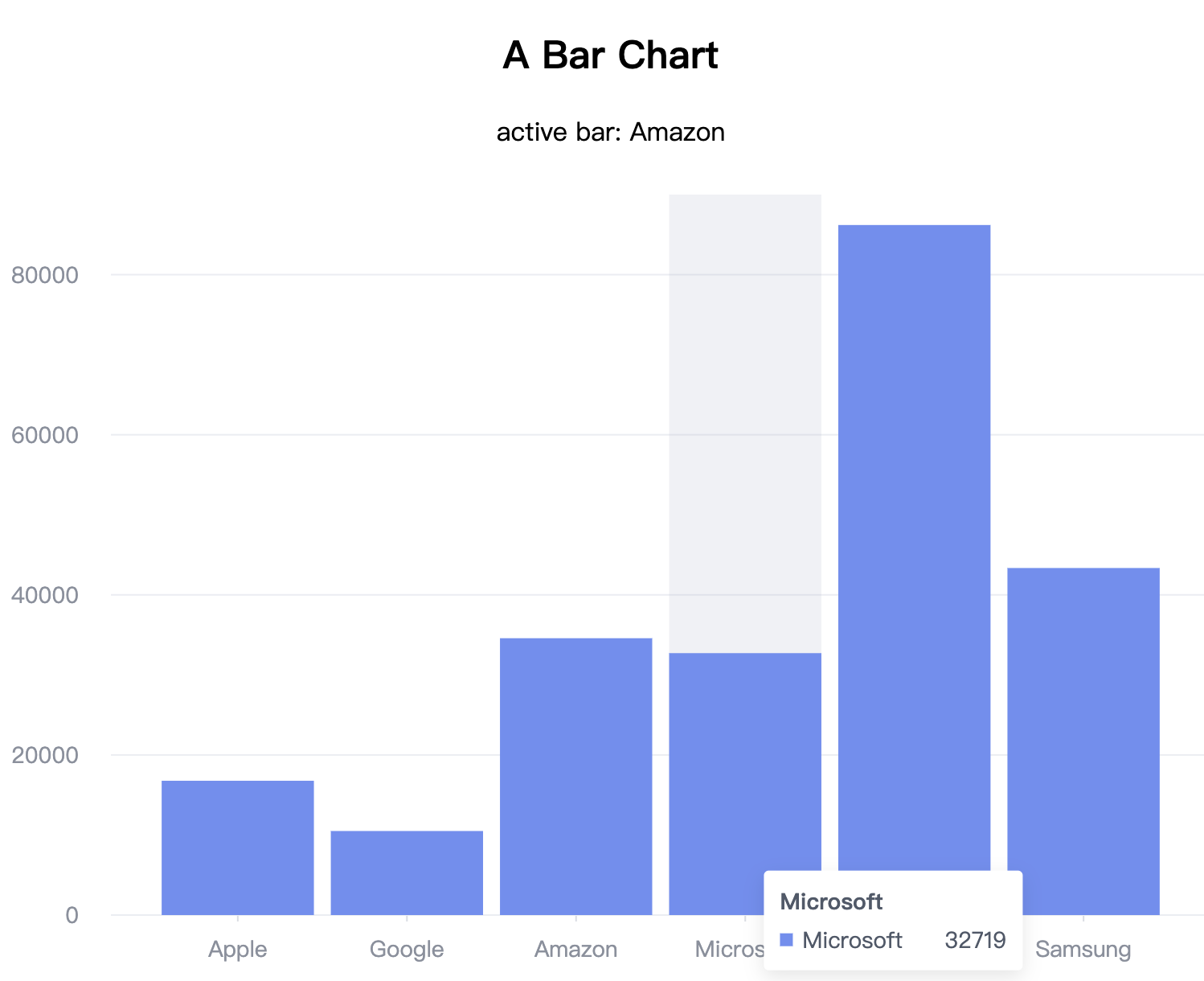
使用 @visactor/react-vchart 在 React 中实现这样的柱状图
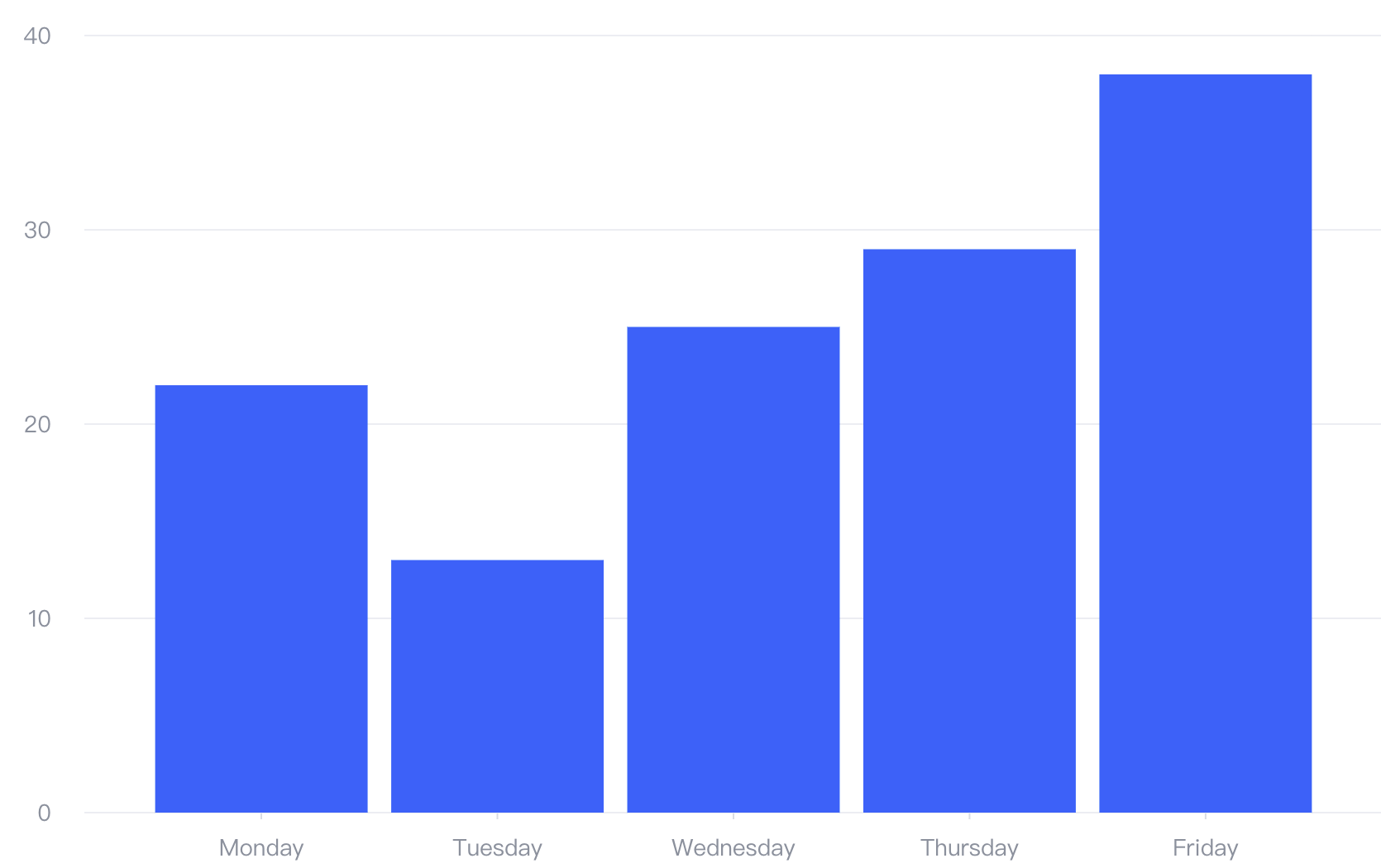
如何绑定点击事件?能够从点击事件中获取对应的数据信息吗
解决方案
通过 VChart 官方提供的 React 封装库react-vchart 教程可参考,react-vchart 支持两种组件:
- 使用
VChart组件,组件支持onAbc格式来绑定事件,支持的事件名参考 - 使用
LineChart类似的语义化组件实现的时候,在Line等子组件上,支持通过onAbc格式的 props 来绑定事件,支持的事件名参考
代码示例
import { VChart, VChartProps } from "@visactor/react-vchart";
import { Component } from "react";

export interface BarChartProps {
  colors?: string[];
  data: any[];
}

export class BarChart extends Component<BarChartProps> {
  state: { active: any } = {
    active: null
  };
  parseSpec = () => {
    const colors = this.props.colors;
    return {
      type: "bar",
      data: [
        {
          id: "barData",
          values: this.props.data
        }
      ],
      xField: "name",
      yField: "value",
      color: {
        type: "ordinal",
        domain: [],
        range: colors
      }
    } as VChartProps["spec"];
  };

  handleClick = (e: any) => {
    this.setState({ active: e.datum });
  };

  render() {
    return (
      <>
        <p>{`active bar: ${this.state.active?.name ?? ""}`}</p>
        <VChart spec={this.parseSpec()} onClick={this.handleClick} />
      </>
    );
  }
}
结果展示